Only your voice.
A Mac app that lets you, and nobody around you, talk to your AI agents.
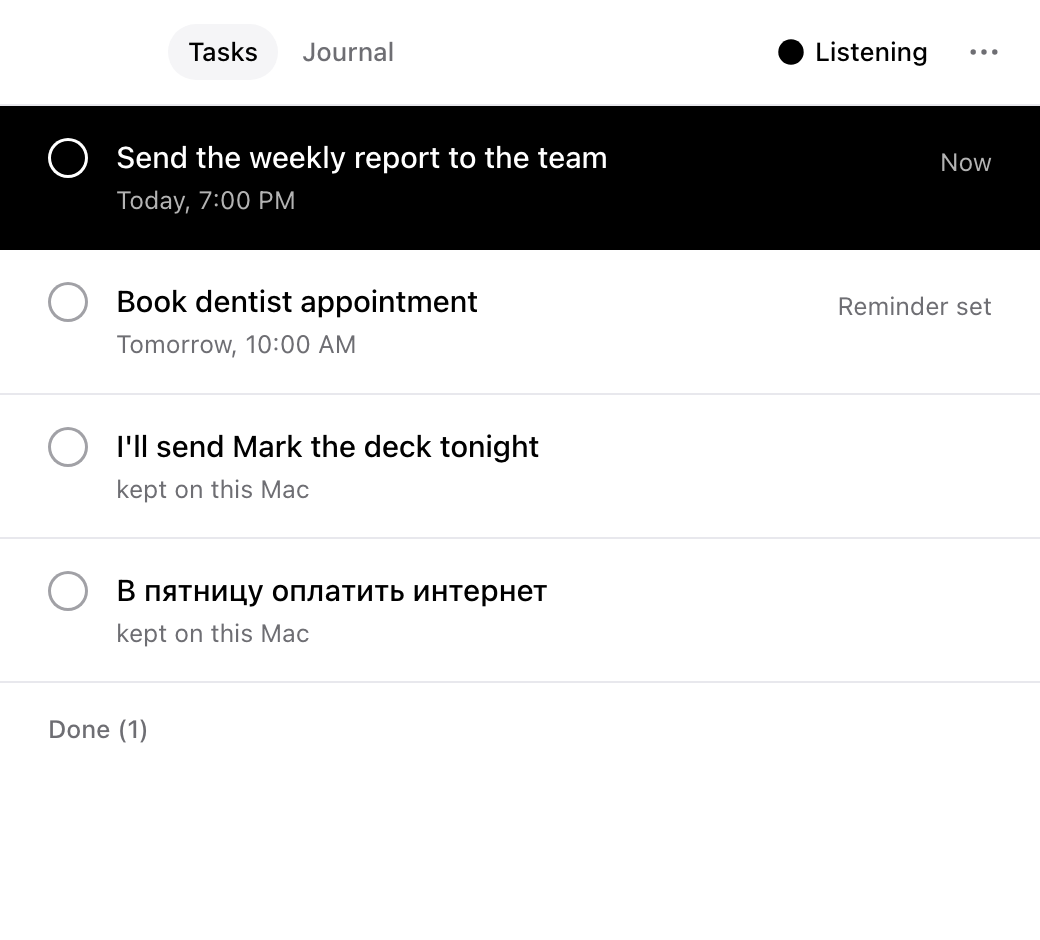
It hears who is speaking before it hears what is said.
Who
Every phrase is checked against your voice on your Mac. Colleagues, a call, the TV: dropped before a single word is transcribed.
NVIDIA TitaNet, on device
What
Only your phrases are turned into text, also on your Mac. Audio never leaves it.
NVIDIA Parakeet TDT v3, on device
For whom
The text of your phrase is weighed and cleaned: noise is dropped, numbers become tags. Then it goes to your agents' inbox and your tasks.
NVIDIA Nemotron on Nebius Token Factory
What might be sensitive does not leave the Mac.
Money, health, codes, addresses and names are found on your Mac, before anything is sent. They go only through Nebius Zero Data Retention, and while there is none, nowhere.
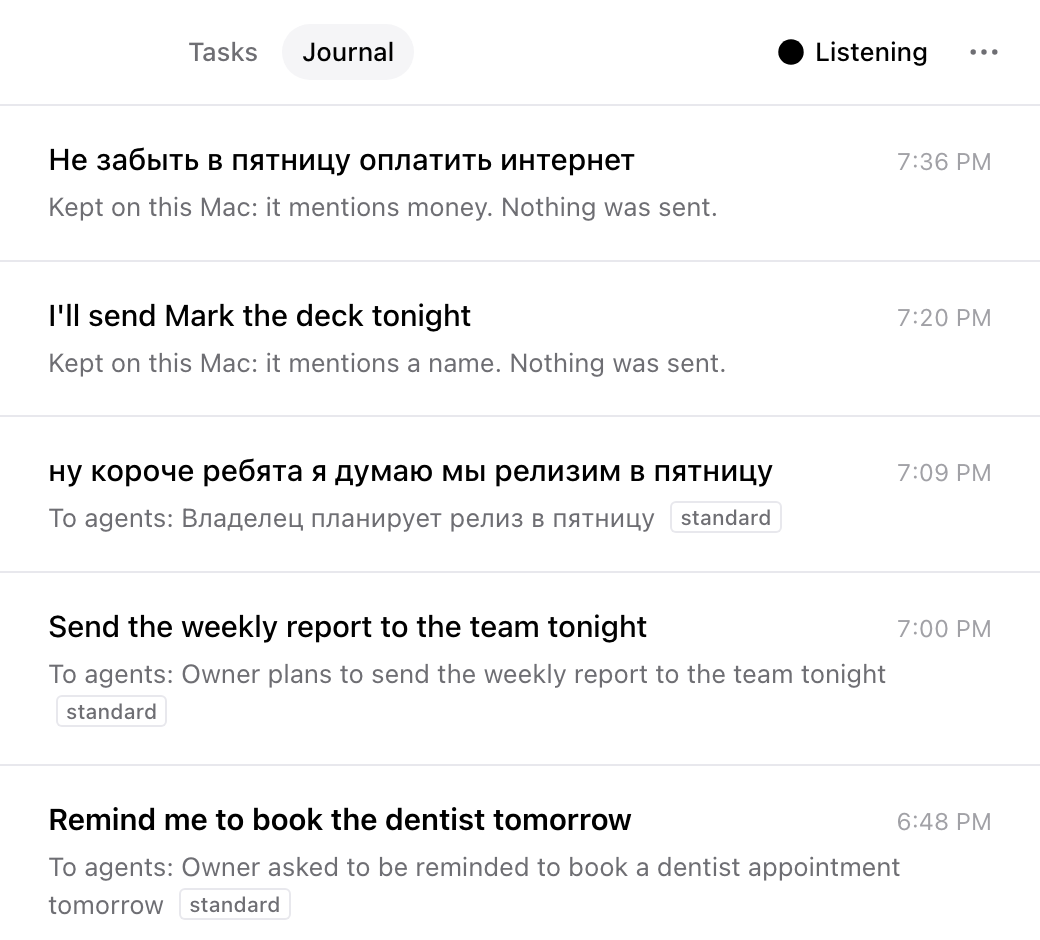
Nothing to set up.
Install
Run in Terminal, or ask your agent to. It puts yuzuzuzu in Applications and opens it:
curl -fsSL https://yuzuzuzu.pages.dev/install.sh | bash
Or open the .dmg and drag yuzuzuzu to Applications. The build is not notarized, so macOS refuses that first launch: click Done, then open System Settings, Privacy & Security and click Open Anyway.
Then connect an agent:
{"mcpServers": {"yuzuzuzu": {"command": "/Applications/yuzuzuzu.app/Contents/MacOS/yuzuzuzu-mcp"}}}
For voice modes and calls, install the virtual microphone once (it asks for your password):
sudo cp -R /Applications/yuzuzuzu.app/Contents/Resources/yuzuzuzuMic.driver /Library/Audio/Plug-Ins/HAL/ && sudo killall coreaudiod